

The useful first question is not “Which is faster?” It is “What am I being asked to install, and who supplied it?” A verified mobile website may be enough for the task. An app may offer convenient access, but that convenience does not establish the safety of a download, the fairness of a game or the rules of an account.
Choose the route whose identity, permissions and exit controls you can check. Stop if a download asks you to disable a security warning, use an unfamiliar account-recovery link or provide a permission without a clear reason. This comparison does not verify any Vegas11 app package or claim that its app and website contain identical games.
An app icon can represent different things
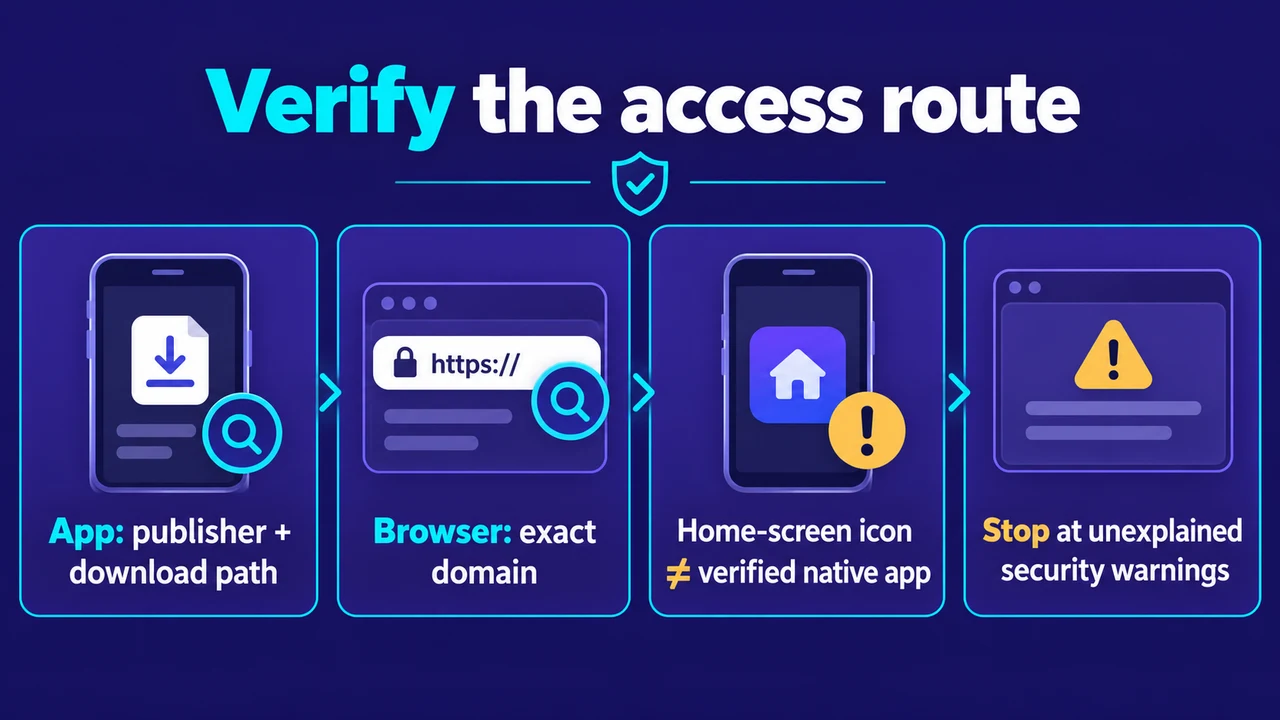
An installed native app, a wrapper that displays web content, and a website added to the home screen can all look like “the app” to a reader. Their update paths and permission requests can differ. An icon and a familiar logo are therefore insufficient evidence of what was installed.
Before downloading, identify the developer or publisher and trace the link from the operator’s verified website. Compare the name, current version and stated device support. A file forwarded in a group chat is not made official by a matching filename. Do not rely on a search advertisement as the only evidence of the source.
Compare the things you can actually inspect
| Decision | Installed app | Mobile browser |
|---|---|---|
| Source | Check publisher and download path | Check exact domain before login |
| Permissions | Review operating-system app permissions | Review the site’s browser permissions |
| Updates | Check store or verified publisher route | Update the browser and inspect site changes |
| Storage | App files and its local data may occupy space | Cache, cookies and site storage can occupy space |
| Exit | Find logout, alerts and account controls | Find logout, saved-login and site controls |
Browsers do not fetch every file from scratch on every visit. They can cache resources locally; Mozilla’s documentation explains how browser requests interact with that cache. A mobile site therefore is not “zero storage,” and an app is not automatically faster because some files are stored on the device.
The browser cache documentation supports that technical distinction. It cannot tell us how quickly a particular casino screen loads on your phone. That needs an actual comparison under matching conditions.
Permissions deserve a reason, not a blind yes
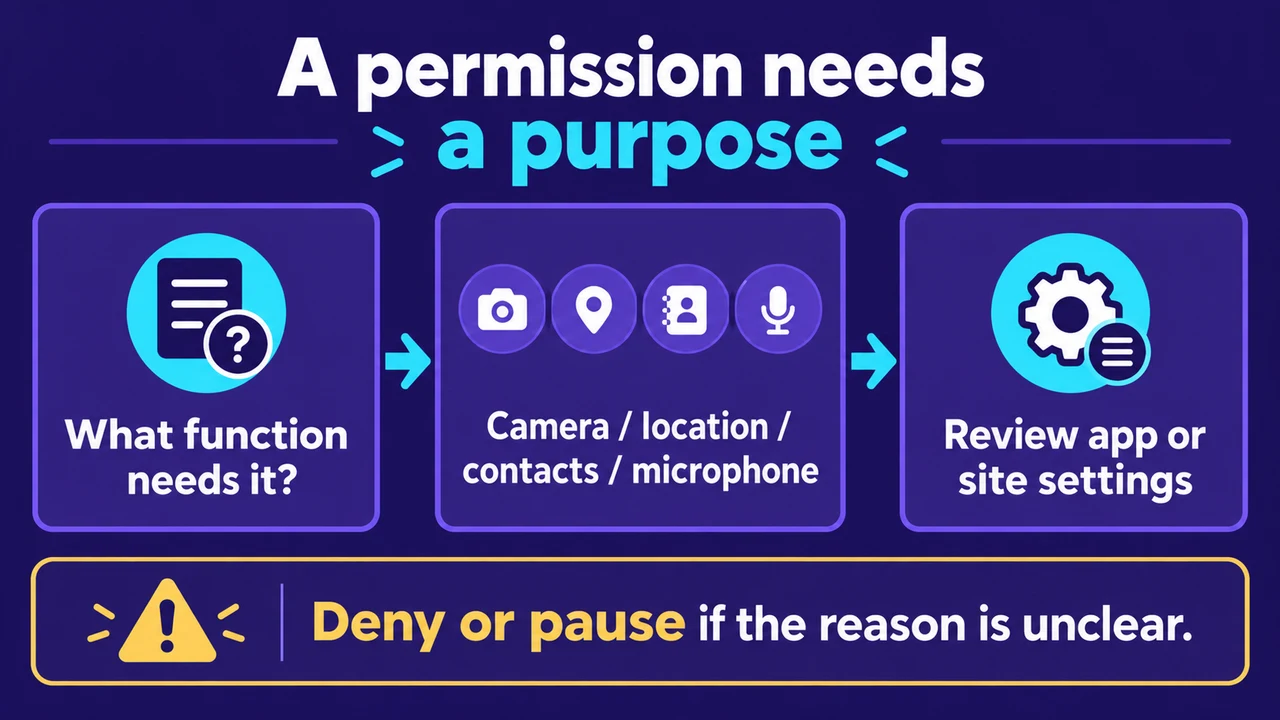
A camera request might belong to an explicitly explained identity-check task, while an unrelated request for contacts or microphone access deserves closer scrutiny. The right question is what function requires the permission and whether you want to perform that function. Denying a permission may affect a feature; it does not mean you should grant everything to reach the game.
Apple’s iPhone privacy guidance explains how to manage app access to data, location, camera and microphone. For Android, Google Play Protect checks apps for potentially harmful behaviour and may warn, block or remove an app. These protections reduce some risks; they do not certify gambling legality or an operator’s payout terms.
The casino app permissions guide focuses on the permission review itself. In a browser, also inspect saved credentials, notifications and site permissions. Browser access still involves an account and can still expose information if you enter it on the wrong domain.
Speed, login and game access need a real comparison
Neither route has a universal speed advantage. Connection quality, device memory, browser version, app implementation and the particular game can change the experience. If a comparison is needed, inspect the same task on the same device and connection without staking money merely to test it. Check whether the rules, total amount and exit button remain readable, not just how quickly a splash screen disappears.
A browser may keep a session signed in, and an app may ask for a password again. Biometric access also depends on what the specific app offers. For shared devices, do not mistake a quicker login for better privacy. Log out and review saved credentials before handing the device to someone else.
Game lists, payment options and controls can differ across routes or jurisdictions. Confirm the actual account and published terms before assuming balances or features carry over. An app badge does not prove compatibility, and switching routes should never become a way to bypass a time-out, exclusion or regional restriction.
The login security checklist covers account access; the mobile privacy guide covers the broader device questions. Use those checks before choosing the convenient route. If neither route can be verified, leave the download and login unfinished.
Editorial update: October 2, 2026. Prepared from official device-security documentation and access-method analysis. No app installation, speed benchmark, game-catalogue comparison or payment test is claimed. Gambling is for adults where lawful and carries financial loss risk; account convenience does not remove those limits.
This update was prepared with AI assistance and reviewed separately for clarity and source limits. It does not include a firsthand test of the platform.
Check Vegas11 Details
Review the official sign-in page and current terms, and keep every session within your personal budget and time limits.