

On Android, review a casino app under Settings > Apps > the app > Permissions, and check the Privacy Dashboard or Permission Manager for recent access. Grant only the access needed for a feature you intentionally started. An unexplained request for contacts, microphone, SMS, accessibility or constant location should be paused and verified before approval.
Editorial review: Checked by the Vegas11 editorial team. Updated August 23, 2026. Sources and game or account rules can change; verify the current screen before acting.
Risk reminder: Gambling outcomes are uncertain. No feature, statistic, promotion or account tool guarantees a return or prevents loss. Use only money you can fully afford to lose, follow local law and age rules, and stop when the planned limit is reached.
Key Takeaways
- Install only from the operator’s verified official route.
- Use “while using the app” or one-time access when that fits the feature.
- Review recent camera, microphone and location access after use.
- Revoking a permission is safer than guessing when the purpose is unclear.
Verify the install source before permissions
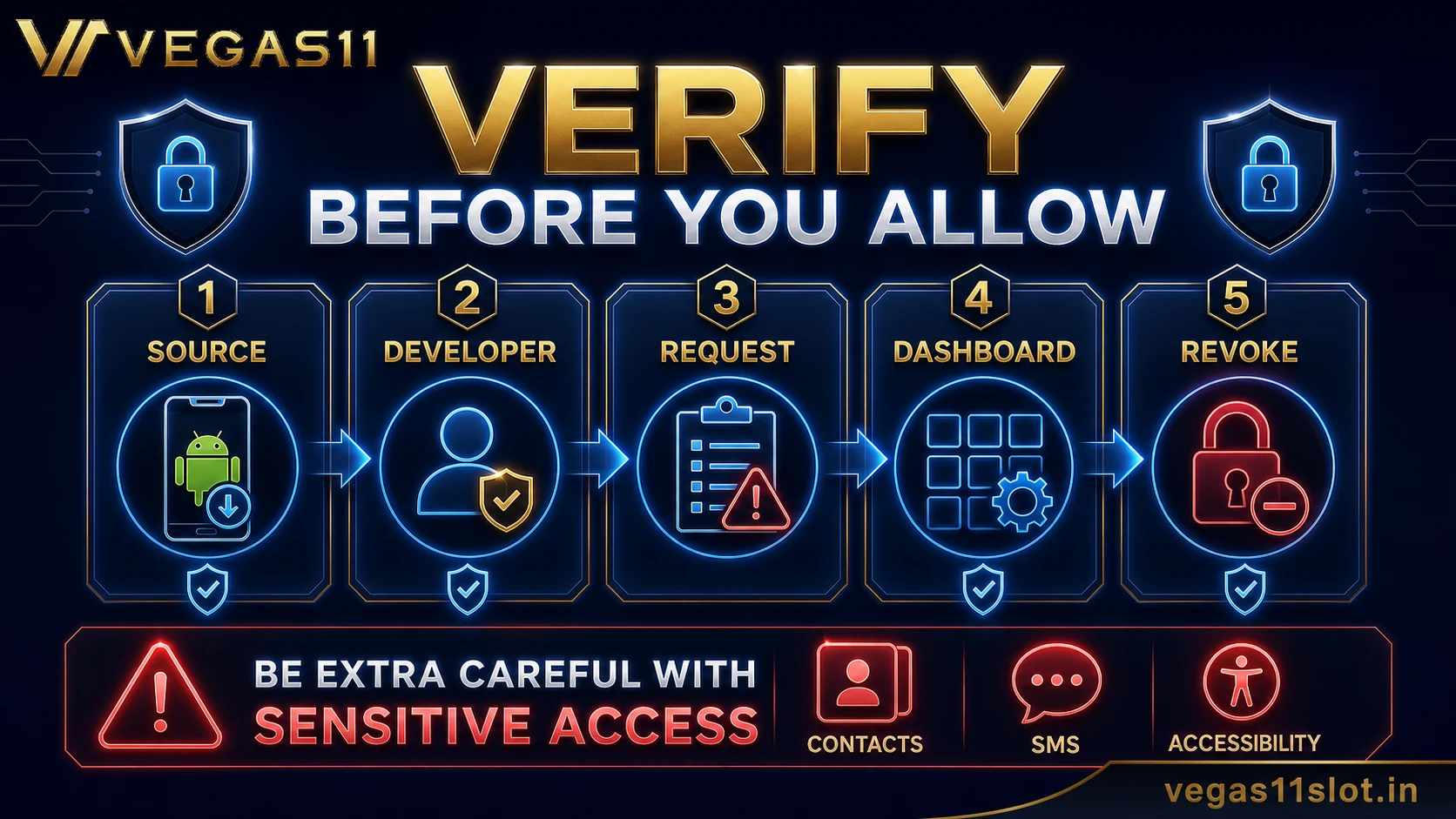
Permission review cannot fix an untrusted installer. Navigate from the known official website or recognised app store listing, verify the developer name and compare the package information where available. Do not install an APK from a social message, advertisement, mirror or support account you did not contact first.
Before installing an update outside an app store, confirm why the operator uses that route and how the file is verified. If the site gives conflicting download links or the browser warns that the file may be unsafe, stop. A bonus or limited-time message is not a reason to bypass device protections.
- Known official website or store listing.
- Matching developer and app identity.
- Secure connection and no redirect chain.
- No pressure from an unsolicited message.
| Permission | Possible user-started purpose | Pause when |
|---|---|---|
| Camera/photos | KYC capture or document upload | Requested outside the upload flow |
| Location | Region verification where required | Constant access lacks explanation |
| Microphone | Intentional voice support | Needed for ordinary browsing |
| Notifications | Account or status alerts | Only promotional pressure |
| Contacts/SMS/accessibility | Rare and highly sensitive | No specific necessary feature |
Use the permission-purpose-evidence test
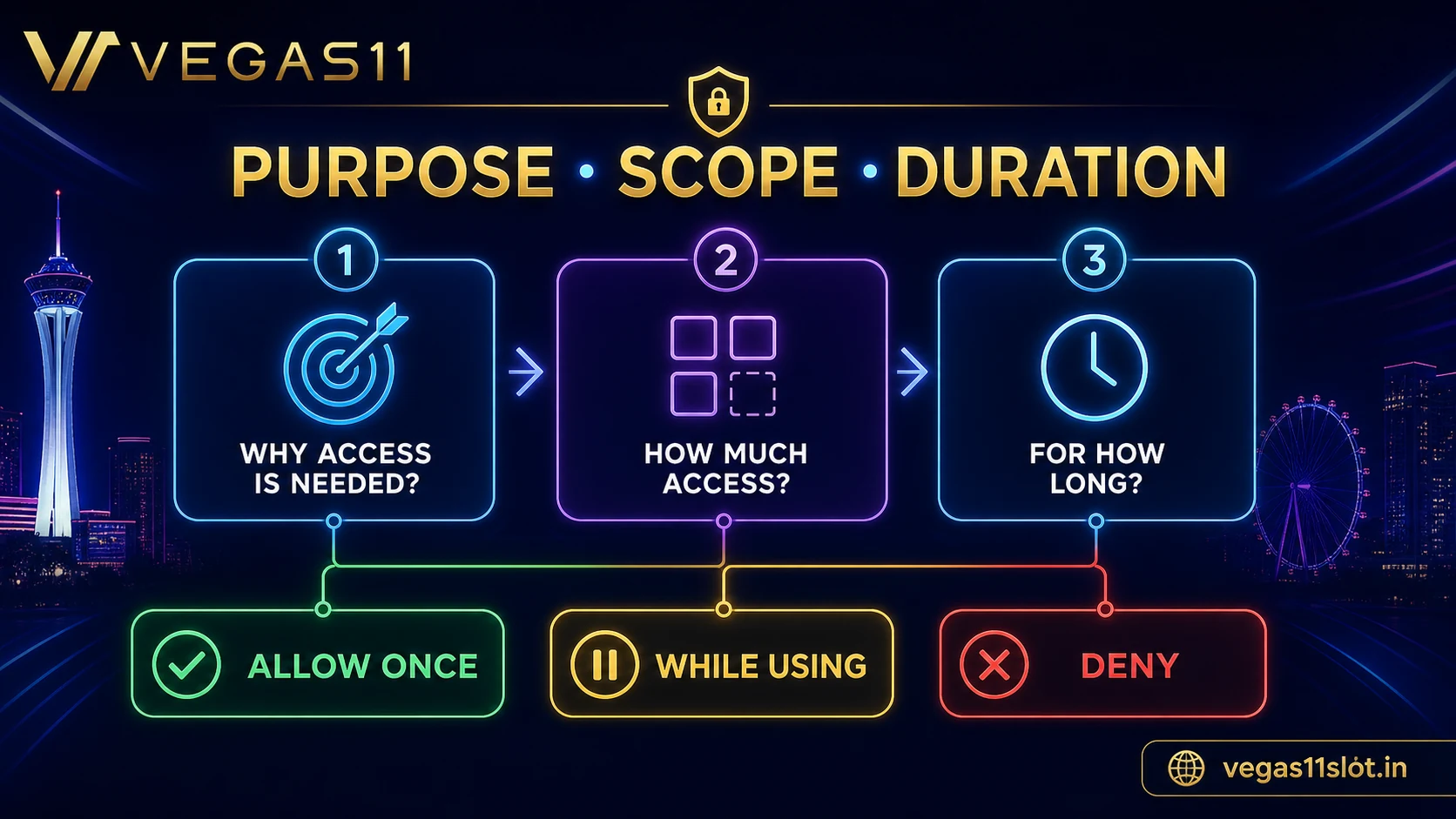
For each request, ask three questions. What feature did I start? Why would that feature need this permission? What visible evidence shows the app is using it now? Camera access can make sense when the user opens a document-capture screen. Constant location access is harder to justify when no location-based feature is active.
Android may offer “allow only while using,” “ask every time” or “don’t allow.” Choose the narrowest option that lets the intended feature work. If the app fails, return to the official help page rather than granting every permission at once.
- Purpose: user-initiated feature.
- Scope: only the needed data or sensor.
- Duration: one time or while in use.
- Evidence: visible feature and recent access record.
Review sensitive permissions separately
Camera and photo access may be used for KYC documents, but the secure upload flow should explain what is being captured. Microphone access may support voice help, yet it should not be required for ordinary browsing. Contacts, call logs, SMS and accessibility access can expose far more information and need a very clear reason.
Notification access is different from reading SMS or contacts. Decide whether promotional alerts are wanted, and disable them if they create pressure to play. Location may be required by some regulated services, but the reader must verify that requirement for the actual operator and region.
- Camera/photos: document capture or upload.
- Microphone: only for an intentional voice feature.
- Location: verify regional requirement and duration.
- Contacts/SMS/accessibility: pause unless clearly justified.
| When | Action | Decision |
|---|---|---|
| Before install | Verify source and developer | Stop on mismatch |
| At request | Apply purpose-scope-duration test | Choose narrowest access |
| After feature | Check Privacy Dashboard | Revoke if no longer needed |
| After update | Review new requests | Verify changed purpose |
| When unused | Remove permissions or uninstall | Reduce ongoing exposure |
Use Android privacy controls after the session
Android’s Privacy Dashboard can show which apps accessed sensitive permissions and when. Open it after using a document or location feature and compare the timeline with your activity. An access event at an unexpected time deserves investigation, but it is not proof of misuse by itself.
Revoke permissions that are no longer needed. Android can also reset permissions for apps that have not been used for a while. Keep the operating system and app updated through the verified route, and remove an app that cannot explain its access or no longer serves a purpose.
- Check recent access times.
- Revoke unused permissions.
- Update through the verified source.
- Uninstall if trust or purpose is lost.
Protect KYC and payment documents
Do not leave identity images, bank statements or payment screenshots in a shared download folder longer than necessary. Use the app or site’s secure upload flow, confirm the requested document and avoid including unrelated information. If a screenshot is acceptable, redact data the operator does not need.
A legitimate KYC request can still require careful handling. Confirm the account domain, support ticket and secure channel. Never provide an OTP, card PIN, account password or recovery phrase as part of verification. If a request arrives unexpectedly, navigate to support independently.
- Use only the secure upload channel.
- Provide the minimum requested document.
- Remove local copies from exposed folders.
- Never share passwords, OTPs, PINs or recovery phrases.
Stop when the app and the explanation do not match
An app can request a permission for a real technical reason, but the operator should be able to explain it in plain language. If the request appears before the relevant feature, repeats after denial or asks for broad background access, pause. Capture the permission screen without exposing account information.
Contact support through the verified website and ask which feature needs the permission, whether a narrower option works and how long the data is retained. Until the answer is clear, use the web version if appropriate or avoid the service. Protecting the device is more important than completing a promotion or deposit.
- Permission appears at a logical moment.
- Explanation names the feature and data use.
- Narrower access works when possible.
- Support answer is written and verifiable.
Reader scenario: an app asks for contacts at launch
The user opens the app to view games, but the first screen requests contacts access. No contact-based feature was selected. The correct response is to deny the request and continue only if the app remains usable and the source is trusted.
If the app blocks access, use the verified website to ask why contacts are necessary and whether a narrower path exists. Do not approve merely to reach a bonus page. Save the explanation and remove the app if the request remains unjustified.
Android casino app privacy checklist
- I verified the installer and developer from an official route.
- I can connect every granted permission to a feature I started.
- I reviewed recent access and revoked anything no longer needed.
- I will not share OTPs, passwords, PINs or recovery phrases.
FAQ
Where do I change Android app permissions?
Open Settings, Apps, choose the app, then Permissions. Menu names can vary by device version.
Does a camera request always mean the app is unsafe?
No. It can support document capture, but it should appear in a clear user-started upload flow and use an appropriate scope.
What if the app stops after I deny a permission?
Check the official help page and ask why the permission is required. Do not grant broad access without a clear explanation.
Source and Update Note
This article was checked on July 14, 2026 for the search intent “Android casino app permissions privacy”. It uses the sources below as general evidence. Game rules, promotion terms, app settings, account tools and support procedures can change by operator, version and jurisdiction. Verify the current page or help screen before making a money, privacy or account decision.
- Android Help: change app permissions — Official Android reference reviewed July 14, 2026.
- Android Help: Privacy Dashboard — Official recent-access review guidance.
- Android app-permission best practices — Official principle of using only necessary permissions.
Related Reading
- Mobile Casino Privacy and Security: Practical Checks for Players
- Casino Login Security Checklist: Passwords, OTP and Devices
- Casino Deposit Method Checklist: Safety, Timing and Records
- Responsible Gaming Tools: Limits, Breaks and Self-Control Basics
Check Vegas11 Details
Review the official sign-in page and current terms, and keep every session within your personal budget and time limits.