

Quick answer: Demo mode can help a player learn controls, paytables, and feature names without using a session budget. Real-money play adds account rules, payment steps, emotional pressure, and budget decisions. Use demo mode for learning, but do not treat demo results as a prediction.
By Vegas11 Editorial Team – Published July 29, 2026 – For adult readers only.
This guide is for entertainment-focused readers. Game rules, account checks, payment routes and platform terms can change, so read the official page before joining or playing and keep every session inside your own budget and time limits.
Key Takeaways
- Demo mode is useful for learning rules.
- Real-money play adds budget and account checks.
- Demo results do not predict later outcomes.
- The paytable remains the rule source.
Demo vs Real-Money Play
| Area | Demo mode | Real-money play |
|---|---|---|
| Purpose | Learn controls and rules. | Entertainment with a real budget. |
| Account steps | Often fewer checks. | May require login, payment, and verification. |
| Emotion | Lower pressure. | Budget and timing matter more. |
| Result meaning | Practice screen only. | Still uncertain and rule-based. |
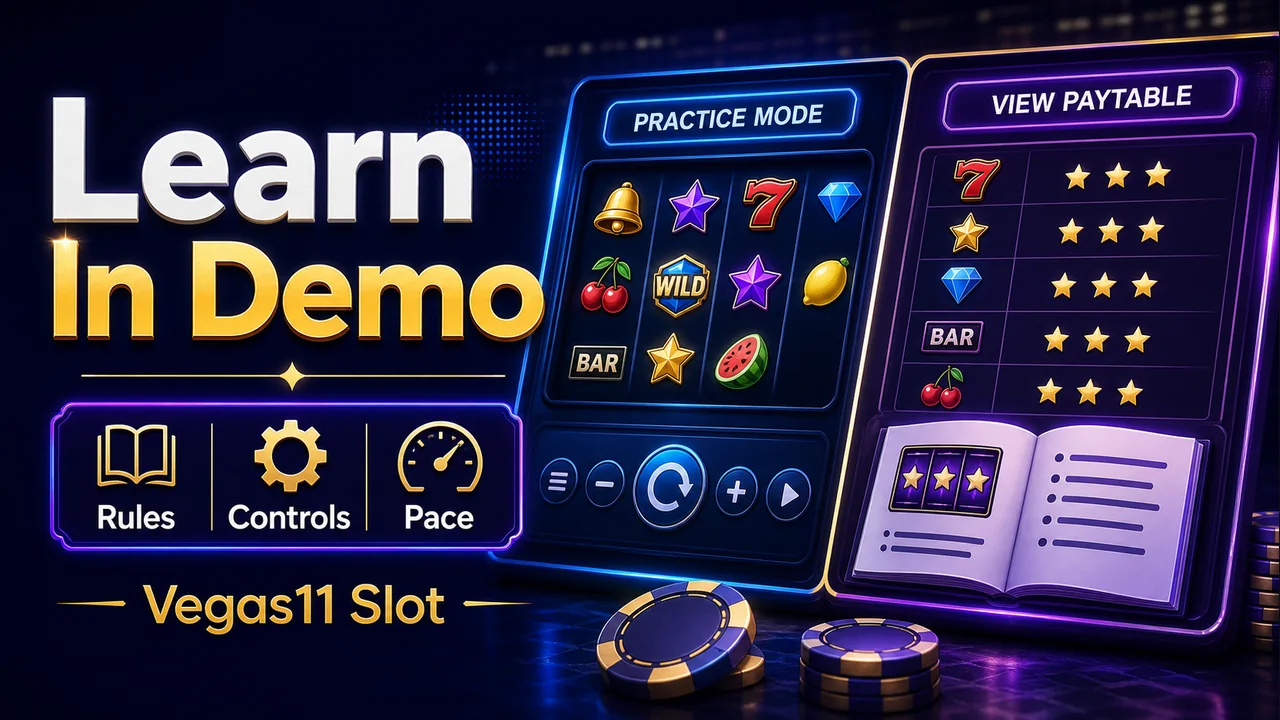
What demo mode is good for
Demo mode is helpful when a game has unfamiliar symbols, changing reels, bonus rounds, or autoplay settings. It gives space to learn the controls before any payment decision.
Use it to read the paytable and see how the interface works. Do not use a demo sequence to guess what a future real session will do.
Why real-money play feels different
Real-money play adds consequences. The same spin button can feel different when a budget is involved. That is why the session plan should be set before switching modes.
If the demo made the game feel faster than expected, use that observation as a warning. Choose a smaller bet, shorter time limit, or a different game.

Mode Switching Checklist
| Before switching | Question to answer |
|---|---|
| Rules | Can I explain the paytable? |
| Budget | What is the maximum session amount? |
| Time | When will I stop? |
| Account | Are login and payment details clear? |
Practical Checklist
- Use demo mode to learn controls.
- Read the paytable before real play.
- Set budget and time limits first.
- Do not chase a demo result.
- Stop if real play feels different from the plan.
Reader Scenario
Imagine you are checking the page from a phone during a short break. The fastest choice is not always the clearest choice. First, read the rule or account step. Next, compare it with your planned budget and time. Then decide whether the next action still feels clear.
If the screen pushes you toward a quick tap, slow down. A strong session habit is to separate learning from action. During the learning step, you read rules, costs, timing and limits. During the action step, you follow the plan already chosen.
Mistakes to Avoid
- Starting before reading the game or account rules.
- Changing bet size because a session feels slow.
- Accepting a bonus before reading withdrawal impact.
- Sharing private account or payment details outside official channels.
- Continuing after the planned time or budget limit has been reached.
Three-Step Review Routine
- Check the written rule, cost or account requirement.
- Compare it with your budget, time limit and comfort level.
- Act only if the next step remains clear after that review.
This routine works for slots, live tables, account verification, deposit checks and bonus terms. It will not change results, but it can make decisions calmer and easier to explain.
Mobile Review Notes
Most readers will check this kind of guide from a phone, so the practical test is simple: can you read the rule, confirm the amount, and find the pause or logout option without zooming or rushing? If the answer is no, treat the screen as unfinished and slow the session down.
For account or payment steps, keep private details off shared devices. For game or bonus steps, keep the official terms open long enough to compare the rule with your own plan. A short delay before tapping is better than trying to fix an unclear action afterward.
Support and Record Keeping
If something does not match what you expected, keep the message to support short and specific. Include the date, game or account page, transaction ID if relevant, and the exact question. Do not send passwords, one-time codes, or complete payment credentials.
A useful record does not need to be complicated. Save the rule you checked, the amount involved, and the decision you made. That makes it easier to review the session later and easier to explain the issue if official support needs context.
When to Pause
Pause when the rule still feels unclear, when the screen is moving faster than you can read, or when the next action depends more on mood than on the plan you set earlier. A pause is part of keeping the session deliberate.
- Pause before raising stakes after a quiet stretch.
- Pause before uploading private documents through an unfamiliar route.
- Pause before accepting a bonus, table option or payment step you have not read fully.
FAQ
Does demo mode predict real results?
No. It is a learning mode, not a forecast.
Should beginners start with demo mode?
It can help beginners understand controls and rules first.
What changes in real-money play?
Budget, account, payment, and emotional pressure become part of the decision.
Source and Update Note
This article was prepared by the Vegas11 Editorial Team using the current site topic plan, public-facing game and account guidance, and responsible-play editorial checks. It does not replace official game rules, payment terms or account notices.
For general background, the editorial review considered public guidance on RTP framing and problem-gambling support resources. Always follow the current terms shown on the official platform page before joining, depositing or playing.
Related Reading
- How to Read Slot Paytables Before You Play
- Responsible Slot Play: Budget and Session Limits
- Casino Bonus Terms Checklist for Safer Play
- Online Casino Deposit Guide: Checks Before Adding Funds
Check Vegas11 Details
Review the official sign-in page and current terms, and keep every session within your personal budget and time limits.